Odoo 3PL — fulfill through your Odoo-run 3PL without leaving SKU.io
Plenty of 3PLs run their entire warehouse on Odoo — receiving, picking, packing, and shipping all live in their Odoo instance, not in a purpose-built WMS. If that's your fulfillment partner, keeping SKU.io in step has meant emailing spreadsheets of orders, waiting for someone on their side to key them in, and then chasing tracking numbers and stock counts by hand. The new Odoo 3PL integration treats that Odoo-powered warehouse as a first-class fulfillment provider inside SKU.io: connect once, and outbound orders flow straight to the 3PL, tracking and shipping details come back on their own, and the warehouse's live stock-on-hand syncs into SKU.io — with the 3PL kept as the source of truth for what's physically on the shelf.
✨ What this means for you:
- Your Odoo 3PL becomes a fulfillment provider. Route orders to the 3PL and SKU.io sends them across automatically — no spreadsheets, no re-keying on their side.
- Tracking flows back on its own. When the 3PL ships, the tracking number, carrier, and shipment details land on your fulfillment and pass through to your sales channel, so buyers get notified and your channels stay in SLA.
- Stock levels stay honest. The warehouse's on-hand quantities sync into SKU.io per location, with the 3PL kept as the source of truth — no more guessing what's actually available to sell.
- Products mapped once. Match each SKU.io product to its counterpart in the 3PL's catalog, and every order and stock update lines up automatically from then on.
- One place to watch it all. A dedicated dashboard shows connection health, order volume, mapping gaps, and anything that needs your attention at a glance.
Watch the whole connection from one dashboard
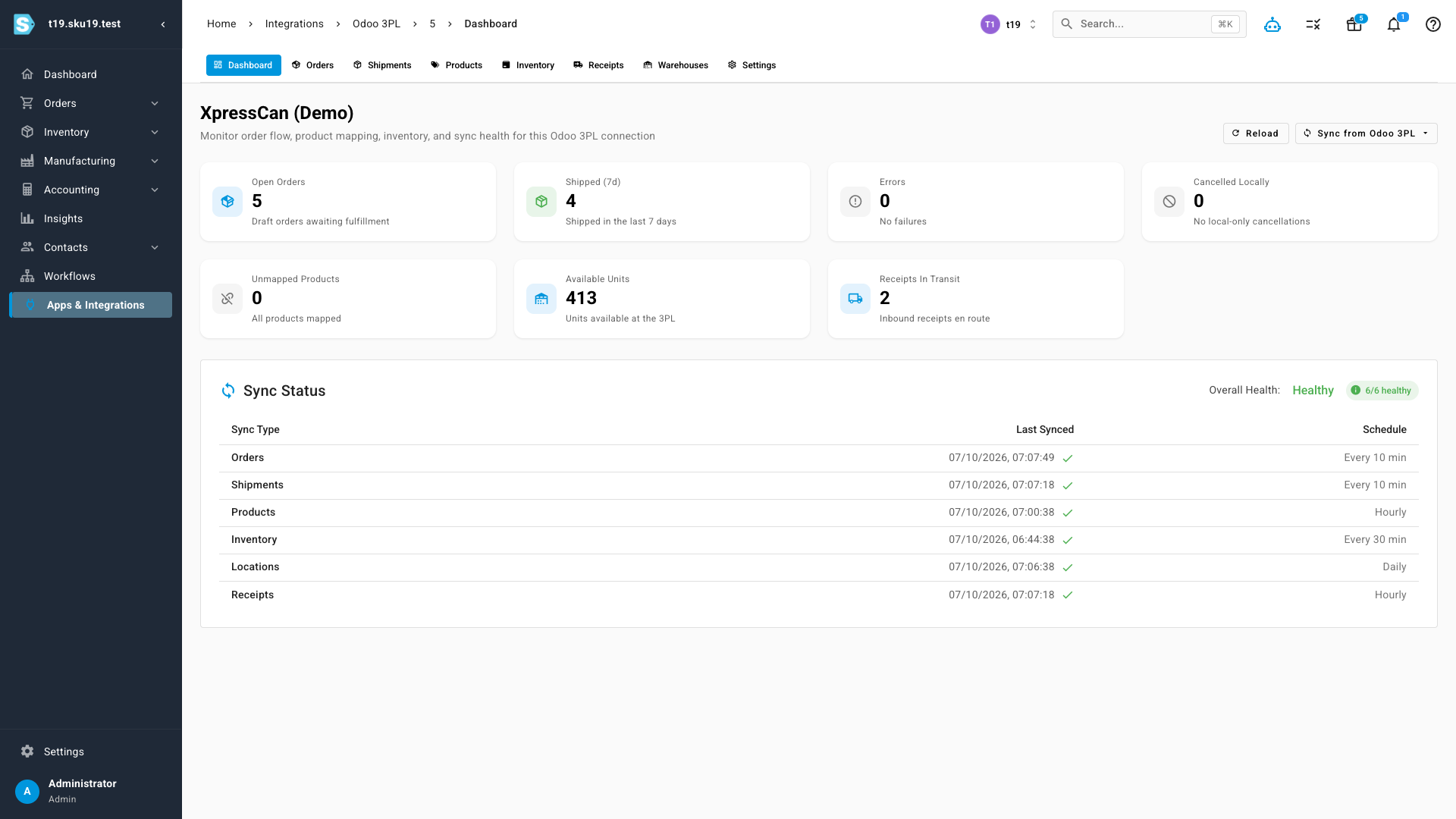
Every Odoo 3PL connection gets its own dashboard — a single view of how the integration is doing. See at a glance whether the connection is healthy, how many orders have flowed through, how many products are still waiting to be mapped, and where anything has gone wrong, so you catch issues before they hold up a shipment.
Outbound orders flow straight to the 3PL
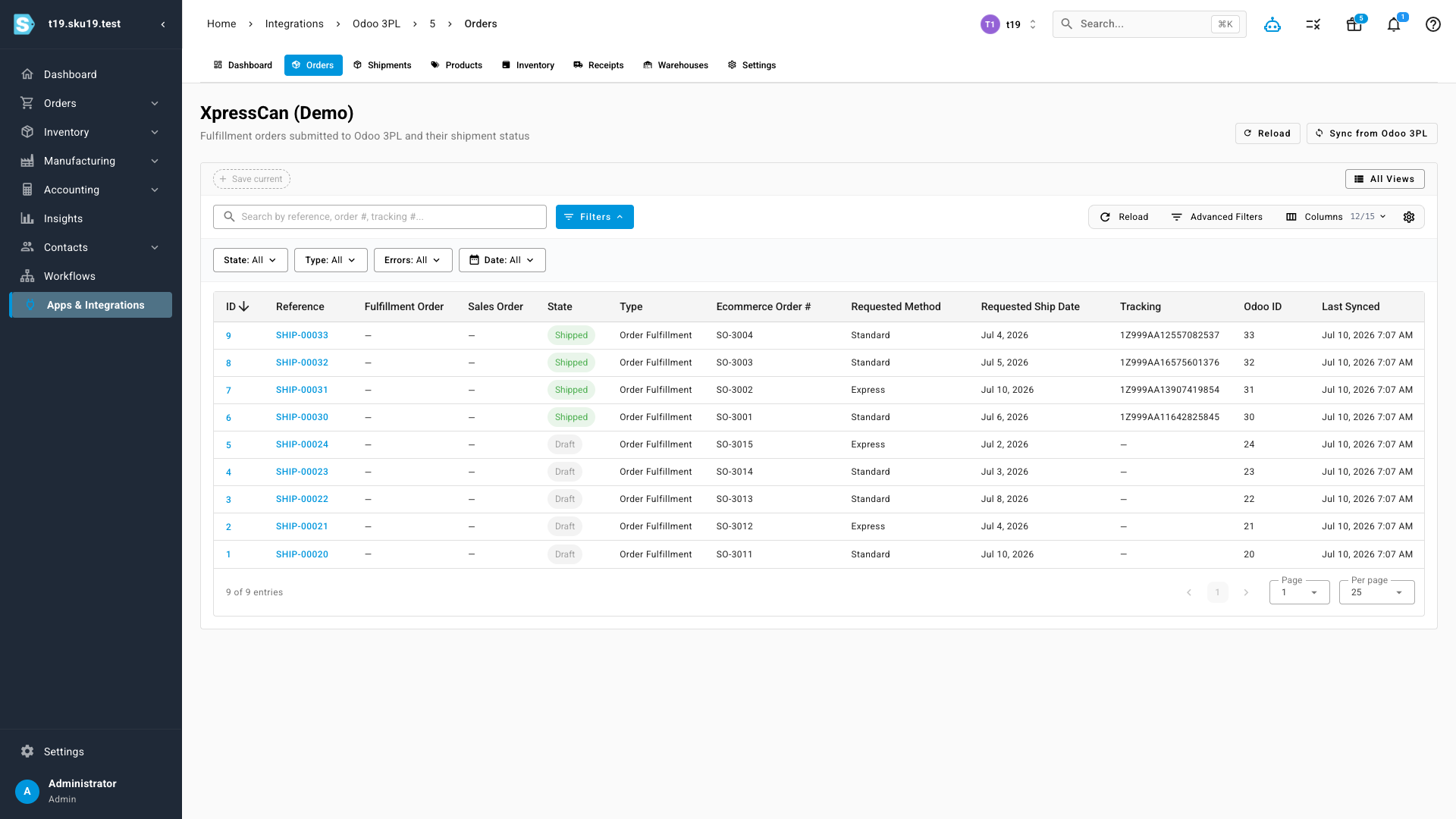
Once you're connected, fulfillment is hands-off. Orders routed to the Odoo 3PL are sent across automatically, and you can follow each one from SKU.io — its status, what shipped, and the tracking that came back. When the warehouse despatches a parcel, SKU.io records the shipment and its tracking number, marks the fulfillment shipped, and hands tracking to the originating sales channel. No more emailing order lists and waiting for a reply.
Map your products once
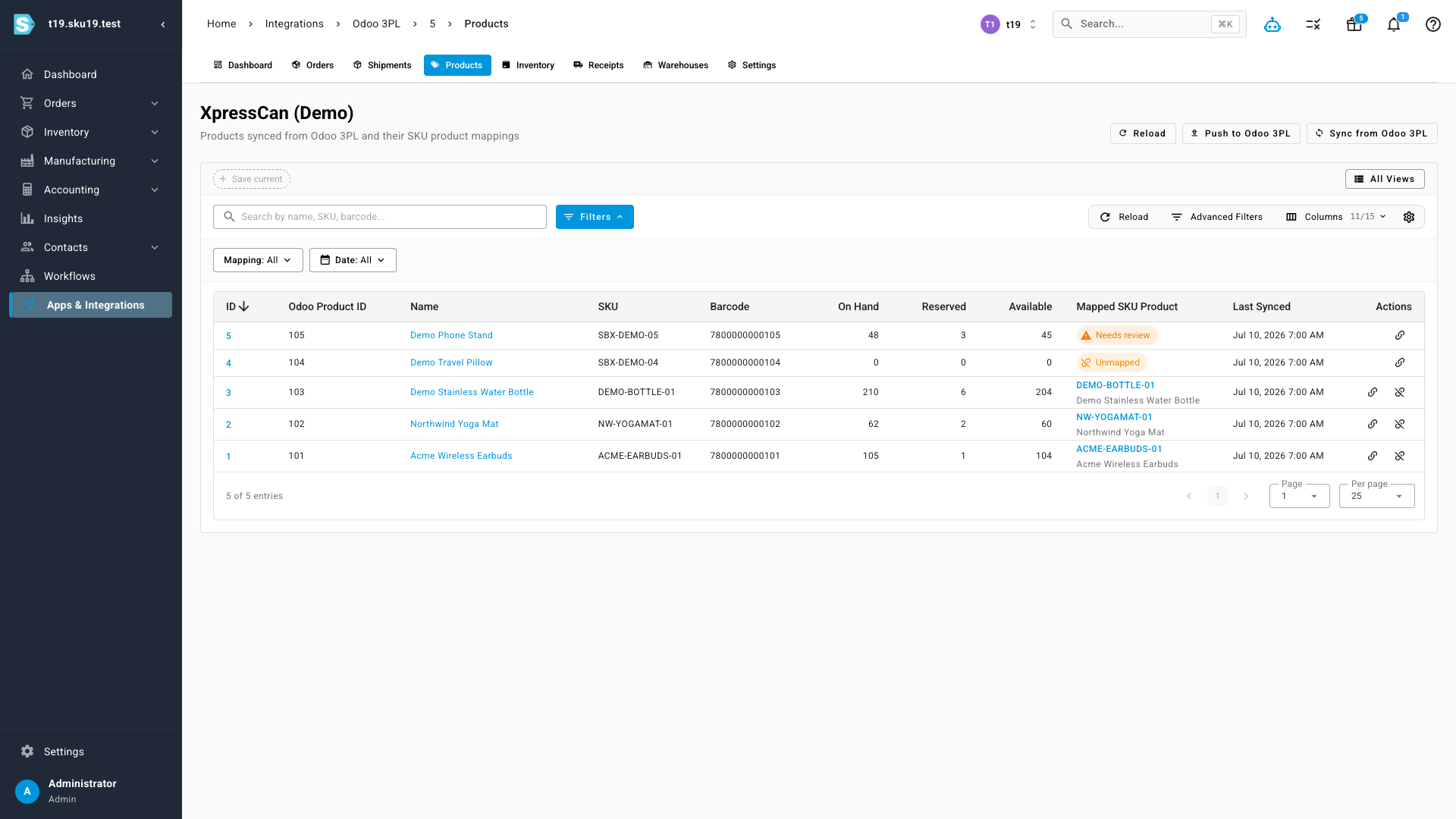
The 3PL keeps its own product catalog in Odoo, so SKU.io needs to know which of your products maps to which of theirs. Match them once from the product-mapping screen — SKU.io flags anything still unmapped or needing review — and from then on every order and every stock update lines up automatically. New products surface here so nothing silently falls through.
Stock levels, straight from the warehouse
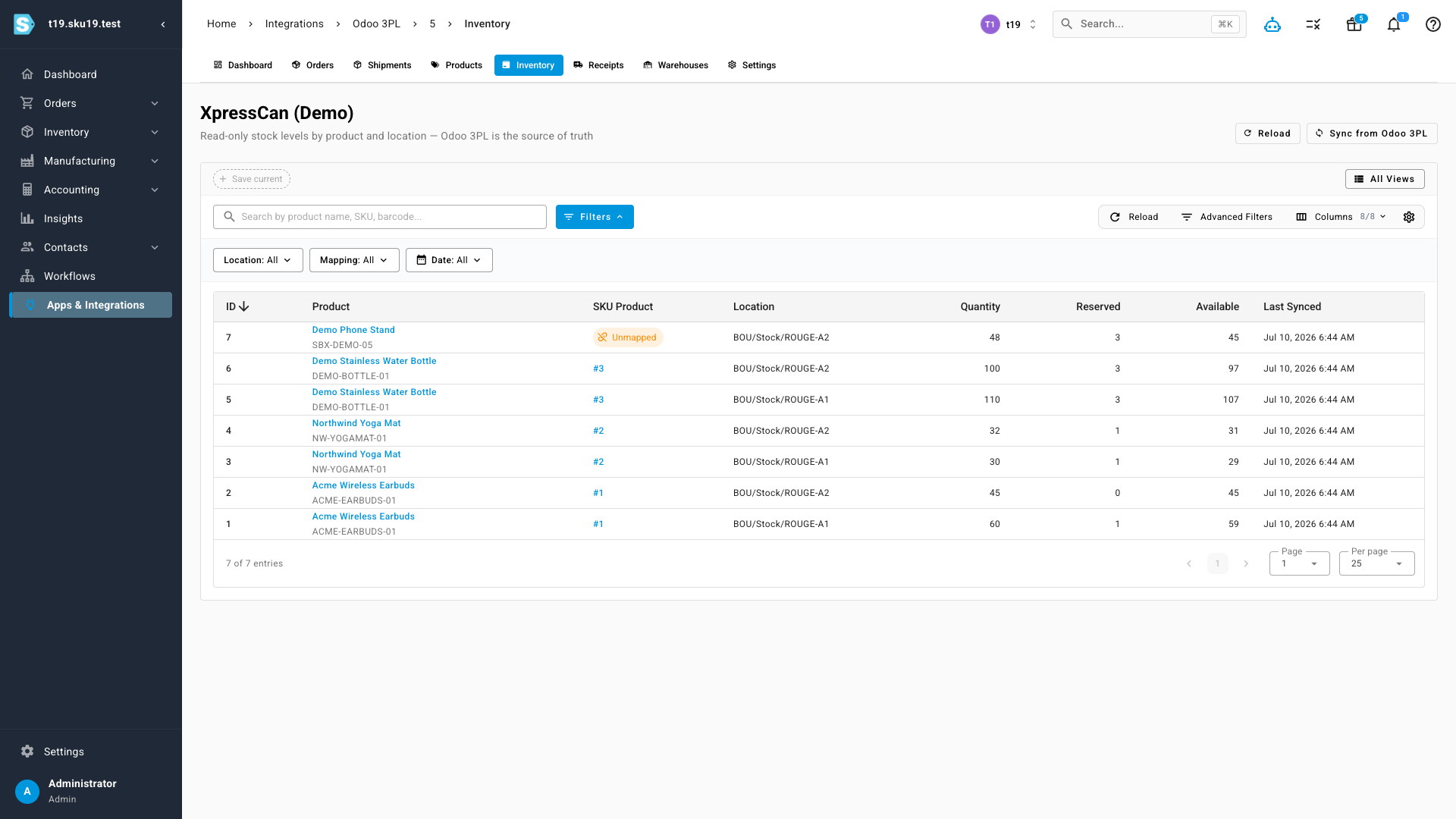
Because the 3PL physically holds your goods, its Odoo warehouse is the truth about what's on hand. SKU.io pulls those quantities in per location so your available-to-sell reflects reality, without you touching a stock count. The figures are read-only on the SKU.io side by design — the warehouse owns them — so what you see is exactly what the 3PL is holding.
Where to find it
Go to Apps & Integrations, open Odoo 3PL, and connect your provider. You'll need the API details your 3PL gives you for their Odoo warehouse. Once connected, use the connection's Dashboard, Orders, Products, and Inventory tabs to map your catalog and watch orders flow.